
OpenCode | The open source AI coding agent
OpenCode is an open-source AI coding agent for terminals, IDEs, and desktop apps. It supports 75+ LLM providers, prioritizes privacy by not storing code, and offers enterprise features like SSO and self-hosting.
Overview
OpenCode
OpenCode is an open-source AI coding agent designed to assist developers in writing code directly within their terminal, Integrated Development Environment (IDE), or via a dedicated desktop application. Developed by Anomaly, OpenCode has gained significant traction in the developer community, boasting over 160,000 GitHub stars and serving more than 7.5 million developers monthly. It distinguishes itself by offering flexibility in model selection, robust privacy guarantees, and comprehensive enterprise-grade features.
What is OpenCode?
OpenCode functions as an intelligent agent that integrates into your existing development workflow. Unlike traditional chatbots that require switching contexts, OpenCode operates natively within the tools developers already use. It is available as a terminal-based interface (TUI), a desktop app (currently in beta for macOS, Windows, and Linux), and as an IDE extension. This multi-modal availability ensures that whether you are working in a headless server environment, a local machine, or a complex IDE setup, OpenCode can adapt to your needs.
The core value proposition of OpenCode is its agnostic approach to Large Language Models (LLMs). Users are not locked into a single provider. Instead, OpenCode allows connections to any model from over 75 LLM providers through Models.dev, including local models. This means developers can leverage their existing subscriptions (such as GitHub Copilot, ChatGPT Plus/Pro, or Anthropic API keys) or utilize free models provided by OpenCode. This flexibility is crucial for organizations managing diverse tech stacks or budget constraints.
Privacy is a foundational pillar of OpenCode’s design. The platform explicitly states that it does not store any of your code or context data. This makes it suitable for privacy-sensitive environments where intellectual property protection is paramount. For further details on how OpenCode handles data, users can refer to the privacy documentation.
Key Features
Multi-Platform Availability
OpenCode is not confined to a single interface. It offers:
- Terminal Interface: A lightweight, keyboard-driven experience for power users.
- Desktop App: A native application available in beta for major operating systems, providing a more graphical user experience.
- IDE Extension: Seamless integration into popular IDEs, allowing AI assistance without leaving the coding environment.
Extensive Model Support
OpenCode connects to over 75 LLM providers. This includes:
- Major cloud providers like OpenAI, Anthropic (Claude), Google (Gemini), and others accessible via Models.dev.
- Local models, enabling offline usage and complete data sovereignty.
- Existing subscriptions, such as logging in with GitHub to use Copilot or with OpenAI to use ChatGPT Plus/Pro accounts.
Advanced Agent Capabilities
- LSP Enabled: Automatically loads the correct Language Server Protocols (LSPs) for the specific LLM being used, ensuring accurate code understanding and suggestions.
- Multi-Session: Developers can start multiple agents in parallel on the same project, allowing for concurrent tasks or debugging sessions.
- Share Links: Any session can be shared via a link for reference, collaboration, or debugging purposes, facilitating knowledge transfer within teams.
- Context Awareness: The agent is designed to understand the broader context of the codebase, improving the relevance of its suggestions.
Enterprise-Grade Security and Control
For larger organizations, OpenCode offers an Enterprise tier with features such as:
- SSO Integration: Single Sign-On support for streamlined access management.
- Internal AI Gateway: Centralized control over model routing and usage.
- Self-Hosting Options: Deploy OpenCode within your own infrastructure to maintain full control over data and compliance.
- Central Configuration: Manage settings and policies across the organization from a central point.
Installation and Setup
Installation is straightforward, with support for various package managers and operating systems:
- Linux/macOS:
curl -fsSL https://opencode.ai/install | bash - Homebrew:
brew install anomalyco/tap/opencode - Windows: Recommended via WSL (Windows Subsystem for Linux), or via Chocolatey, Scoop, or NPM.
- Node.js/Bun/Pnpm/Yarn: Available via global installation commands.
Use Cases
Individual Developers
For solo developers, OpenCode serves as a powerful pair programmer. The ability to use free models or existing subscriptions reduces costs. The multi-session feature allows developers to ask different questions simultaneously, speeding up the coding process. The terminal interface appeals to those who prefer keyboard-centric workflows.
Enterprise Teams
Large organizations benefit from the privacy-first approach and enterprise features. The guarantee that code is not stored externally addresses compliance concerns. SSO and self-hosting options allow IT departments to integrate OpenCode into existing security frameworks. The internal AI gateway enables centralized monitoring and policy enforcement.
Privacy-Sensitive Environments
Companies dealing with sensitive intellectual property, such as financial institutions or defense contractors, can use OpenCode with local models. Since no data is sent to external servers (when using local models) and OpenCode does not store context, it minimizes the risk of data leakage.
Cross-Platform Development
Developers working across different environments (e.g., remote servers via terminal and local machines via IDE) can use the same agent configuration and share sessions between platforms. This consistency simplifies workflows in hybrid development setups.
Pricing Overview
OpenCode operates on a freemium model. The core software is open-source and free to use. Users can connect their own API keys or existing subscriptions (like GitHub Copilot or ChatGPT Plus) at their own cost. OpenCode provides some free models for basic usage.
For enterprise features such as SSO, internal AI gateway, and self-hosting capabilities, a separate Enterprise plan is available. Details on enterprise pricing are not publicly listed and require contacting the vendor. Additionally, OpenCode offers "Data Zen," a service providing access to handpicked, benchmarked AI models optimized for coding agents. This appears to be a premium offering for users seeking consistent performance without managing multiple provider configurations.
Who Should Use It?
OpenCode is ideal for:
- Developers who want an AI assistant that integrates deeply into their terminal or IDE.
- Teams requiring strict data privacy and control over their codebase.
- Organizations looking for flexible model options to optimize costs or leverage existing subscriptions.
- Enterprise IT Departments needing SSO, self-hosting, and centralized configuration.
If you are looking for a simple, closed-source AI chatbot, OpenCode might be overkill. However, if you need a robust, open-source, and privacy-focused coding agent, OpenCode is a strong candidate. Explore other similar tools in our AI tools directory or check the rankings for top AI coding assistants.
FAQ
What is OpenCode? OpenCode is an open-source AI coding agent available for terminals, IDEs, and desktop applications, supporting over 75 LLM providers.
Do I need extra AI subscriptions to use OpenCode? No. OpenCode includes free models, but you can also connect your existing subscriptions (GitHub Copilot, ChatGPT Plus, etc.) or use any model from 75+ providers.
Can I use my existing AI subscriptions with OpenCode? Yes. You can log in with GitHub to use Copilot or with OpenAI to use ChatGPT Plus/Pro accounts.
Can I only use OpenCode in the terminal? No. It is available as a terminal interface, a desktop app (beta), and an IDE extension.
How much does OpenCode cost? The core software is free and open-source. Enterprise features and premium model access via Data Zen may involve additional costs.
What about data and privacy? OpenCode does not store any of your code or context data, making it suitable for privacy-sensitive environments.
Is OpenCode open source? Yes, OpenCode is an open-source project with a large community of contributors.
Pros
- Supports 75+ LLM providers and local models.
- Strong privacy focus with no code storage.
- Available across terminal, desktop, and IDE.
- Enterprise features include SSO and self-hosting.
- Large, active community with extensive GitHub stars.
Cons
- Desktop app is still in beta.
- Enterprise pricing is not publicly disclosed.
- Requires technical setup for local models and self-hosting.
- Some advanced features may require additional subscriptions.
- Windows support is best experienced via WSL.
Related tools and alternatives
View all alternativesCoding
Cursor
Cursor is an AI-native code editor that embeds deep repository awareness into the development workflow, enabling multi-file refactoring, code generation, and debugging without context switching.
Coding
Replit
Replit is a browser-based IDE with built-in AI coding assistants, real-time collaboration, and one-click deployment. Ideal for rapid prototyping, education, and AI agent development without local setup.
Coding
GitHub Copilot
GitHub Copilot is an AI-powered pair programmer that suggests code, debugs, and automates tasks across multiple languages and IDEs, integrating deeply with GitHub workflows for individuals, teams, and enterprises.
Coding
Google Antigravity 2.0
Google Antigravity 2.0 is a playful April Fools' joke from Google Developers. It is not a real software tool, API, or developer resource, but rather a humorous web experience.
Coding
Gemma 4
Gemma 4 is Google's latest open-weight large language model series, designed for advanced reasoning, coding, and multimodal tasks with optimized efficiency for enterprise and developer deployment.
Coding
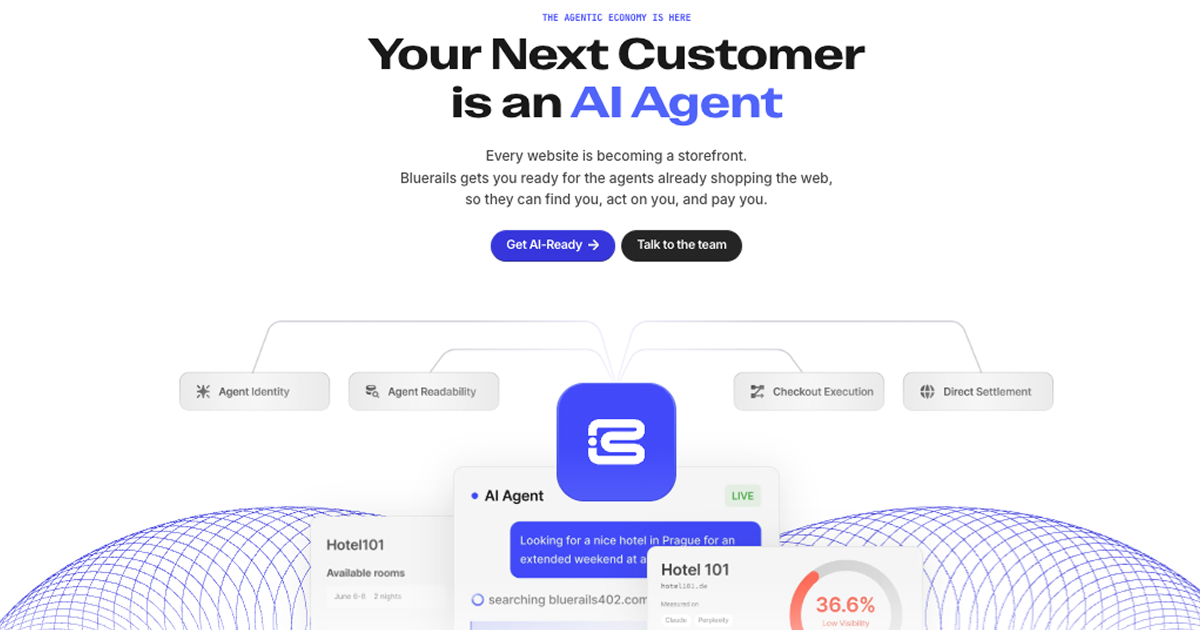
Bluerails: AI Agent Payment Infrastructure & Commerce
Bluerails provides payment infrastructure for the agentic economy, enabling AI agents to discover, act on, and pay businesses directly via agent-ready checkout and global settlement.
Site Discovery
Explore more on ToolSeekAI
Keep moving through tools, use cases, models, news, and rankings to turn one visit into a complete AI discovery path.