
15 updates from Google I/O 2026: Powering the agentic web with new capabilities, tools, and features in Chrome | Blog | Chrome for Developers
Chrome for Developers announces 15 updates from Google I/O 2026, focusing on the 'agentic web.' Key features include Gemini in Chrome, automated navigation, and enhanced AI capabilities for developers and users.
Overview
What is Chrome for Developers?
Chrome for Developers is the official resource hub maintained by Google for web engineers, browser architects, and product managers building on the open web. It serves as the primary documentation source for Chrome-specific APIs, DevTools, performance metrics, and experimental features like Privacy Sandbox and Isolated Web Apps. The platform bridges the gap between the Chromium engine's underlying mechanics and the practical needs of modern web application development.
The recent announcements from Google I/O 2026, detailed in the blog post "15 updates from Google I/O 2026: Powering the agentic web," signal a strategic shift toward integrating artificial intelligence directly into the browser experience. This update series positions Chrome not just as a rendering engine, but as an active participant in web creation and consumption through "agentic" workflows.
Key Features
The core of the Google I/O 2026 announcements revolves around three main pillars: empowering AI agents, expanding UI/performance limits, and transforming the browser into a proactive assistant via Gemini. While the specific technical details of all 15 updates require deep diving into the full documentation, the following key features are highlighted:
1. Gemini in Chrome
Google is integrating its large language model, Gemini, directly into the Chrome browser. This transforms the browser into a powerful, proactive assistant for everyday users. Unlike previous iterations of AI assistants, this integration aims to be deeply embedded in the browsing experience, allowing for context-aware assistance across tabs and pages.
2. Automated Navigation
A significant tool introduced for developers and users alike is "automated navigation." This feature allows for more intelligent handling of web flows, potentially reducing the friction in complex multi-step interactions. For developers, this means new ways to structure user journeys that are both accessible and efficient.
3. Agentic Web Capabilities
The concept of the "agentic web" is central to these updates. This involves creating new capabilities that allow AI agents to not only read websites but also create them and interact with them dynamically. This includes tools that help bridge the gap between complex developer workflows and the underlying platform capabilities.
4. Enhanced Developer Tools
While specific tool names were not fully enumerated in the excerpt, the announcement emphasizes "new capabilities, tools, and features." This likely includes updates to DevTools to better support debugging AI-driven interfaces and optimizing performance for agentic workloads.
Use Cases
The updates from Google I/O 2026 cater to two distinct but overlapping audiences: developers building the future of the web, and end-users interacting with it.
For Developers
- Building Agentic Interfaces: Developers can utilize new APIs to create sites that are interpretable and actionable by AI agents. This opens up new paradigms for site architecture where content is structured for both human readability and machine actionability.
- Optimizing Performance: With the introduction of more complex AI-driven interactions, ensuring high performance and low latency becomes critical. The updates likely include new metrics or tools within Lighthouse or DevTools to audit these specific "agentic" performance bottlenecks.
- Streamlining Workflows: By integrating automation tools like automated navigation, developers can reduce the code required to handle common user flows, leading to cleaner, more maintainable codebases.
For End Users
- Proactive Assistance: Users will experience a browser that anticipates needs. Gemini in Chrome aims to provide context-aware help, summarization, or task completion without requiring explicit prompts for every minor action.
- Faster Interactions: The underlying optimizations and new capabilities are designed to make the web "smarter, faster, and more accessible," improving the overall browsing experience.
Pricing Overview
Chrome for Developers is a free resource provided by Google. The documentation, blogs, and tools referenced (such as DevTools, Lighthouse, and the Chrome Web Store) are available at no cost to the public.
- Documentation Access: Free.
- Browser Usage: Free (standard Chrome browser).
- APIs: Most web APIs discussed are free to implement, though specific enterprise-grade features or advanced AI model usage via Gemini may have associated costs depending on the broader Google Cloud or AI platform pricing structures, which are not explicitly detailed in this specific blog excerpt. It is noted that "Pricing" details for specific AI model tiers are not confirmed in the source text beyond the general availability of the browser tools.
Who Should Use It
This update is primarily relevant for:
- Web Developers & Engineers: Those looking to stay ahead of the curve in AI-integrated web development. Understanding how to build for the "agentic web" is becoming a crucial skill.
- Product Managers: Individuals defining the roadmap for web-based products that intend to leverage AI assistants or automated workflows.
- UX/UI Designers: Professionals interested in how AI changes interface design, particularly in creating experiences that are both human-friendly and machine-interpretable.
- Tech Enthusiasts: Users curious about how their browsing experience will evolve with the integration of Gemini and proactive AI assistants.
For those interested in exploring the broader ecosystem of web development tools and rankings, you can visit ToolSeekAI tools or check out the latest rankings of developer resources. Additionally, specific documentation for Chrome features can be found at Chrome for Developers.
Evaluation Context
Onboarding Flow
For developers, onboarding involves accessing the Chrome for Developers blog and documentation. The transition to using new agentic APIs will likely require updating local development environments to the latest Chrome Canary or stable builds that support these features. The source notes that "Participa en pruebas de origen" (Participate in origin trials), indicating that some features may require explicit opt-in via browser flags or origin trial registrations.
Integration Considerations
Integrating Gemini and agentic capabilities requires careful consideration of privacy and security. The source mentions "Privacy Sandbox" and "Apps web aisladas (IWA)" as key resources, suggesting that new AI features must adhere to strict data isolation and privacy standards. Developers must ensure that AI interactions do not leak sensitive user data across contexts.
Data/Privacy Questions
The integration of AI into the browser raises significant privacy questions. How does Gemini in Chrome handle local data? Are queries sent to the cloud? The source highlights "Privacidad y seguridad" (Privacy and security) as a major category, implying that Google is addressing these concerns through existing frameworks like Privacy Sandbox. However, specific data retention policies for the new agentic features are not confirmed in the source.
Comparison Criteria
When comparing these updates to other browsers or AI assistants, key criteria include:
- Depth of Integration: Is the AI a sidebar widget or deeply embedded in the browsing engine?
- Agent Autonomy: Can the AI perform complex tasks (like form filling or navigation) autonomously?
- Developer Support: Are there robust APIs and documentation for building agentic web apps?
FAQ
Q: What is the "agentic web" mentioned in the Google I/O 2026 updates? A: The agentic web refers to a paradigm where AI agents can actively create, interpret, and interact with websites, bridging the gap between developer workflows and user experiences.
Q: Is Gemini in Chrome free to use? A: The browser itself is free. The integration of Gemini is part of the Chrome updates. Specific usage limits or premium tiers for the AI model are not confirmed in the source text.
Q: How can developers access these new features? A: Developers can access documentation and participate in origin trials via the Chrome for Developers portal. Some features may require enabling flags in Chrome Canary or registering for origin trials.
Q: Does this update affect mobile Chrome? A: The source mentions "Chromium Web en Android" (Chromium Web on Android) in the navigation menu, suggesting that many of these capabilities are part of the broader Chromium ecosystem, including Android. However, specific mobile-only features are not detailed in the excerpt.
Q: Where can I find more information about Chrome's privacy features? A: You can explore the "Privacy Sandbox" and "Apps web aisladas (IWA)" sections on the Chrome for Developers documentation site.
Q: When was this blog post published? A: The blog post "15 actualizaciones de Google I/O 2026" was published on May 19, 2026.
Pros
- Strategic Vision: Clearly defines the future of web development with the "agentic web" concept.
- Deep AI Integration: Gemini is built directly into the browser, offering seamless user assistance.
- Developer Resources: Comprehensive documentation and origin trial support for early adopters.
- Performance Focus: Updates aim to make the web faster and more accessible through automation.
- Privacy Awareness: Emphasis on Privacy Sandbox and secure AI interactions.
Cons
- Complexity for Beginners: The shift to agentic web development may have a steep learning curve for traditional developers.
- Privacy Concerns: Deep AI integration in the browser raises ongoing questions about data handling, even with Privacy Sandbox.
- Feature Specifics: The source excerpt lists "15 updates" but does not detail all 15, making it hard to assess the full scope without further reading.
- Platform Dependency: These features are specific to Chrome/Chromium, potentially fragmenting the web if other browsers do not adopt similar standards.
- Availability: Some features may be limited to specific regions or require beta/canary channels initially.
Related tools and alternatives
View all alternativesCoding
Cursor
Cursor is an AI-native code editor that embeds deep repository awareness into the development workflow, enabling multi-file refactoring, code generation, and debugging without context switching.
Coding
Replit
Replit is a browser-based IDE with built-in AI coding assistants, real-time collaboration, and one-click deployment. Ideal for rapid prototyping, education, and AI agent development without local setup.
Coding
GitHub Copilot
GitHub Copilot is an AI-powered pair programmer that suggests code, debugs, and automates tasks across multiple languages and IDEs, integrating deeply with GitHub workflows for individuals, teams, and enterprises.
Coding
Google Antigravity 2.0
Google Antigravity 2.0 is a playful April Fools' joke from Google Developers. It is not a real software tool, API, or developer resource, but rather a humorous web experience.
Coding
Gemma 4
Gemma 4 is Google's latest open-weight large language model series, designed for advanced reasoning, coding, and multimodal tasks with optimized efficiency for enterprise and developer deployment.
Coding
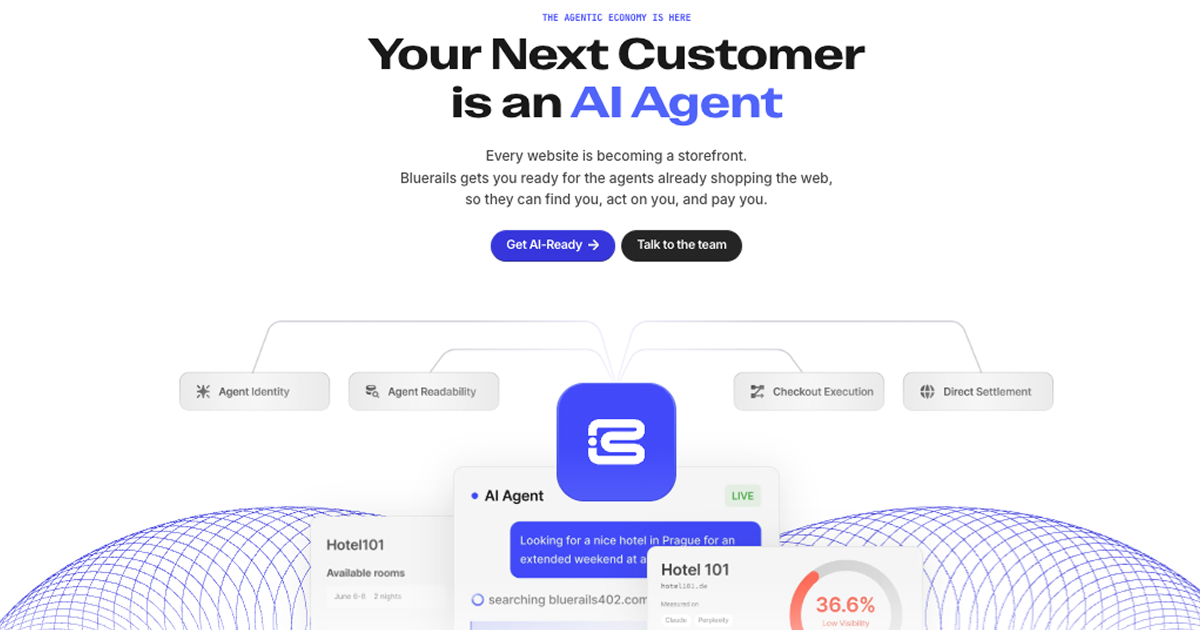
Bluerails: AI Agent Payment Infrastructure & Commerce
Bluerails provides payment infrastructure for the agentic economy, enabling AI agents to discover, act on, and pay businesses directly via agent-ready checkout and global settlement.
Site Discovery
Explore more on ToolSeekAI
Keep moving through tools, use cases, models, news, and rankings to turn one visit into a complete AI discovery path.