
Agent Mode | Autonomous AI Agents for Real-World Tasks
Agent Mode by Arena.ai enables autonomous AI agents to browse, research, code, and execute complex real-world tasks. Compare workflows and models via the Arena interface.
Overview
What is Agent Mode?
Agent Mode is an advanced feature within the Arena.ai ecosystem designed to facilitate the execution of autonomous AI agents for real-world tasks. Unlike standard chat interfaces that rely on simple prompt-response interactions, Agent Mode empowers users to deploy intelligent agents capable of multi-step operations. These agents can autonomously browse the web, conduct deep research, write and debug code, and perform other complex workflows without constant human intervention.
The platform integrates these capabilities with its core "Arena" functionality, which allows users to compare different agent workflows and frontier language models side-by-side. This comparative aspect is crucial for developers and researchers who need to evaluate performance, latency, and accuracy across various AI architectures. By dropping files into the interface or initiating new chats, users can leverage these autonomous agents to handle intricate projects that require sustained attention and multi-modal processing.
For more information on how this fits into the broader landscape of AI development tools, you can explore our ToolSeekAI tools directory. Additionally, users interested in benchmarking their preferred models might find value in reviewing our rankings of current frontier models.
Key Features
Autonomous Task Execution The primary capability of Agent Mode is its ability to run autonomous agents. These are not just static scripts but dynamic entities that can navigate digital environments. They can browse websites to gather information, research specific topics by synthesizing data from multiple sources, and even engage in coding tasks such as generating scripts, debugging existing code, or building small applications.
Multi-Modal Input Support The interface supports file uploads, indicated by the "Drop files... Add files" prompt. This suggests that the agents can process various types of input data, potentially including documents, code repositories, or datasets, to inform their autonomous actions. This flexibility allows for a wider range of use cases compared to text-only interfaces.
Model and Workflow Comparison Integrated with the Arena platform, Agent Mode provides a mechanism to compare different agent workflows and frontier models. This feature is essential for quality assurance in AI development. Users can test the same task across different models to determine which offers the best balance of speed, cost, and accuracy. This aligns with the growing need for MLOps tools that support rigorous testing and evaluation.
Real-World Task Orientation The description explicitly highlights "real-world tasks." This implies a focus on practical utility rather than theoretical exercises. The agents are designed to perform actions that have tangible outcomes, such as compiling a report, fixing a software bug, or gathering competitive intelligence.
Use Cases
Software Development and Debugging Developers can utilize Agent Mode to automate routine coding tasks. For instance, an agent could be tasked with reviewing a pull request, identifying potential bugs, and suggesting fixes. It can also generate boilerplate code or refactor existing modules based on specific style guides. This accelerates the development cycle and reduces the manual burden on engineering teams.
Market Research and Data Synthesis Researchers and analysts can deploy agents to browse the web and compile comprehensive reports. An agent could monitor competitor websites, aggregate news articles, and synthesize findings into a structured document. This is particularly useful for tasks that require scanning large volumes of unstructured data from the internet.
Automated Workflows Businesses can create custom workflows where agents handle sequential tasks. For example, an agent might receive a customer query, research the relevant product information, draft a response, and then await human approval before sending. This hybrid approach combines AI efficiency with human oversight.
For those looking to implement similar automation strategies, exploring other AI workflow services may provide additional context on best practices.
Pricing Overview
Specific pricing details for Agent Mode are not confirmed in the source. The provided materials do not list subscription tiers, pay-per-use costs, or enterprise licensing fees. Users are directed to the official URL (https://arena.ai/agent) for the most current information. Typically, platforms offering frontier model comparisons and autonomous agent capabilities may offer free tiers for basic usage with paid plans for higher volume or advanced features, but this remains unverified without direct access to the pricing page.
When evaluating the cost-effectiveness of such tools, it is recommended to check for:
- API call limits for autonomous agents.
- Costs associated with specific frontier models used in comparisons.
- Enterprise support and security compliance features.
Who Should Use It?
AI Researchers and Developers Professionals involved in building and testing AI agents will find the comparison features invaluable. The ability to benchmark different models and workflows against each other helps in selecting the optimal stack for specific applications.
Data Analysts and Researchers Individuals who need to process large amounts of information from diverse sources can benefit from the autonomous browsing and research capabilities. The file upload feature allows for the integration of proprietary data into these automated workflows.
Product Managers and Strategists Those responsible for defining product roadmaps or competitive strategies can use the agents to gather market intelligence quickly. The real-world task orientation ensures that the outputs are actionable and relevant.
Enterprises Seeking Automation Organizations looking to integrate AI into their operational workflows can use Agent Mode to prototype and deploy autonomous agents for repetitive or complex tasks. However, due to the lack of confirmed pricing and detailed security specifications in the source, enterprises should conduct thorough due diligence regarding data privacy and integration compatibility before full-scale adoption.
For a broader view of available solutions, consider visiting ToolSeekAI tools to compare Agent Mode with alternative autonomous agent platforms.
Related tools and alternatives
View all alternativesCoding
Replit
Replit is a browser-based IDE with built-in AI coding assistants, real-time collaboration, and one-click deployment. Ideal for rapid prototyping, education, and AI agent development without local setup.
Coding
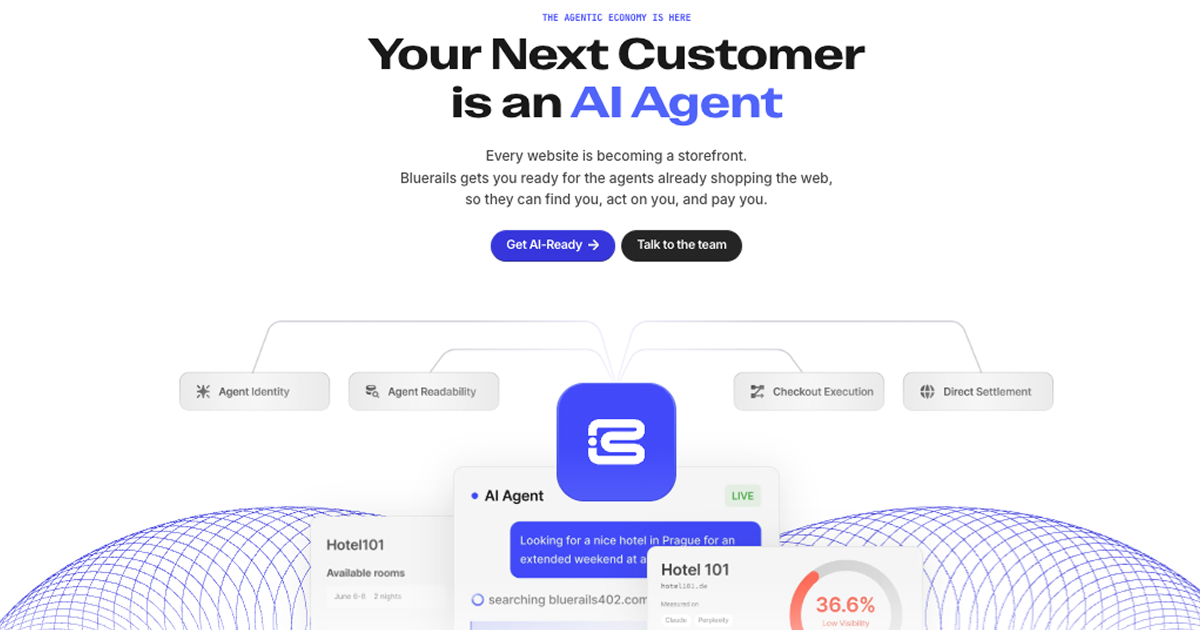
Bluerails: AI Agent Payment Infrastructure & Commerce
Bluerails provides payment infrastructure for the agentic economy, enabling AI agents to discover, act on, and pay businesses directly via agent-ready checkout and global settlement.
Coding
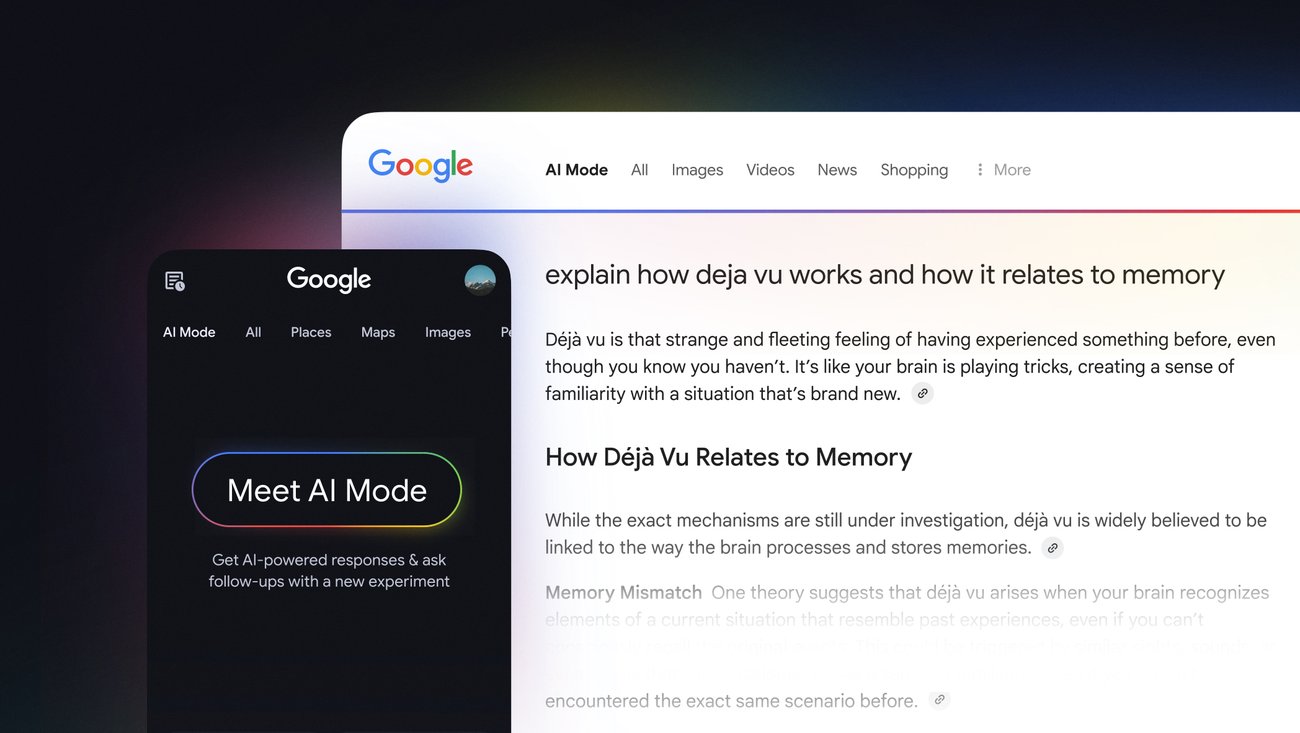
Expanding AI Overviews and introducing AI Mode
Google introduces AI Mode, a generative AI experiment in Search, expanding on existing AI Overviews to provide deeper, conversational insights directly within the search interface.

AI Agents
Meta quietly launches vibe-coded gaming app Pocket | TechCrunch
Pocket is Meta's experimental AI app for generating and sharing interactive mini-games via text prompts, built on the acquired Gizmo platform.
Coding
OpenCode | The open source AI coding agent
OpenCode is an open-source AI coding agent for terminals, IDEs, and desktop apps. It supports 75+ LLM providers, prioritizes privacy by not storing code, and offers enterprise features like SSO and self-hosting.
AI Agents
ACTi — Actualized Intelligence
ACTi is an AI platform featuring seven specialized 'Beings' designed to actualize outcomes in law, healthcare, and finance through the Unblinded Formula.
Site Discovery
Explore more on ToolSeekAI
Keep moving through tools, use cases, models, news, and rankings to turn one visit into a complete AI discovery path.