
MCP servers for the X API and X developer docs - X
Hosted MCP servers enabling AI tools like Grok and Cursor to interact with the X API and documentation via standard protocols.
Overview
What is MCP servers for the X API and X developer docs
The MCP servers for the X API and X developer docs is an official developer resource provided by X (formerly Twitter) designed to integrate AI agents and coding assistants with X's platform. By leveraging the Model Context Protocol (MCP), these servers allow AI tools such as Grok, Cursor, Claude, and VS Code to connect directly to X’s infrastructure. This integration enables models to perform actions on behalf of users or access documentation programmatically, bridging the gap between generative AI workflows and social media data.
This tool is part of X’s broader "Agent Resources" initiative, aiming to facilitate the development of autonomous agents that can operate within the X ecosystem. The solution consists of two distinct hosted servers: one for interacting with the X API endpoints and another for searching and reading X developer documentation. Both are accessible via standard MCP URLs, simplifying the connection process for developers building AI-driven applications.
Key features
The offering provides two primary server instances, each with specific capabilities:
1. X MCP (API Interaction)
This server connects AI tools to the X API, allowing models to execute actions using the user’s authenticated account. Key capabilities include:
- Post Management: Fetch posts, view likers/reposters/quoters, and retrieve recent counts.
- Search: Perform full-archive post searches, user searches, and news searches.
- User Resolution: Look up users by ID or handle, read timelines, and view mentions.
- Bookmarks: List, add, and remove bookmarks, including management of bookmark folders.
- News & Trends: Retrieve news stories and trending topics for specific locations using WOEID.
- Articles: Draft and publish Articles directly through the AI interface.
2. Docs MCP (Documentation Access)
This server allows AI tools to search and read the X API documentation. It serves as a knowledge base for developers and agents, ensuring they have access to the latest technical specifications and guidelines without manual browsing.
Technical Implementation
- Hosted Servers: Both servers are hosted by X, reducing the need for self-hosted infrastructure. The API server is located at
https://api.x.com/mcpand the Docs server athttps://docs.x.com/mcp. - Protocol Support: Utilizes the Model Context Protocol (specifically protocol version 2025-06-18), ensuring compatibility with a wide range of MCP-enabled clients.
- Authentication Flexibility: Supports two modes of operation:
- Simple (App-only Bearer): Read-only access using an app bearer token. Ideal for scenarios where user context is not required.
- Full (OAuth 2.0 User Context): Requires a local bridge (
xurl mcp) to handle OAuth 2.0 PKCE login. This mode allows the AI to act on behalf of the user, accessing personal data and performing write operations.
- Bridge Mechanism: For full user-context access, the system uses an open-source
xurlbridge. This bridge handles OAuth authentication, manages token refreshes, and injects fresh Bearer tokens on every call. It runs via an npm launcher (npx), eliminating the need for complex installation steps.
Use cases
These MCP servers enable several powerful workflows for developers and AI enthusiasts:
- Autonomous Social Media Agents: Developers can build AI agents that monitor trends, search for specific keywords, and draft responses or articles based on real-time data. For example, an agent could track news trends and automatically generate draft articles for publication.
- Enhanced Coding Assistants: IDEs like Cursor and VS Code can leverage the Docs MCP to provide context-aware assistance when developers are building X-integrated applications. The AI can reference official documentation directly within the coding environment.
- Data Analysis and Research: Researchers can use the API MCP to pull large datasets from the X archive for analysis. The ability to search full archives and resolve user details programmatically facilitates comprehensive social media research projects.
- Personalized AI Assistants: Users can connect their personal X accounts to AI tools, allowing the assistant to manage bookmarks, check notifications, or summarize timelines based on the user’s preferences.
For more information on integrating AI tools with external APIs, explore our guide on AI integration patterns.
Pricing overview
The source material does not specify explicit monetary pricing tiers for the MCP servers themselves. However, it highlights important cost and access considerations:
- Server Access: The hosted MCP servers appear to be provided as a developer resource. Access to the API endpoints typically requires an X Developer Account, which may have associated subscription costs depending on the tier (Basic, Pro, Enterprise). These tiers are managed separately through the X Developer Portal.
- Infrastructure Costs: The "Simple" route requires no additional infrastructure beyond the MCP client. The "Full" route requires running a local bridge via
npx, which is free but runs on the user’s local machine. - Rate Limits: As with all X API access, usage is subject to rate limits defined by the developer account tier. Developers should verify current rate limit structures on the X Developer Console.
It is recommended to check the official X API Pricing Page for the most up-to-date information on developer account subscriptions.
Who should use it
This tool is primarily intended for:
- AI Application Developers: Those building agents or tools that need to interact with X’s data or documentation programmatically.
- Software Engineers: Developers using IDEs like Cursor or VS Code who want AI-assisted access to X API references.
- Data Scientists: Professionals requiring programmatic access to X’s public data for research and analysis.
- Power Users: Individuals comfortable setting up local OAuth bridges who wish to automate personal X interactions via AI.
If you are looking for pre-built integrations rather than raw API access, consider reviewing our list of popular X AI tools for alternative solutions.
Evaluation Context
Onboarding Flow:
The onboarding process varies by authentication method. For the simple bearer token approach, users paste their token into the MCP client configuration. For the full OAuth experience, users must install the xurl bridge and run it via npx. The first run triggers a browser-based OAuth2 login, after which tokens are cached and auto-refreshed. This streamlined local setup reduces friction for developers.
Integration Considerations:
Developers must ensure their AI client supports the Model Context Protocol. Compatibility is confirmed with Grok, Cursor, Claude, and VS Code. The reliance on a local bridge for user-context access means the bridge must remain running during the session. Network connectivity to api.x.com and docs.x.com is required.
Data and Privacy:
Using the "Full" OAuth mode grants the AI tool access to the user’s X account data, including bookmarks, posts, and trends. Users should review the permissions granted during the OAuth flow. The xurl bridge handles token security locally, but users are responsible for securing their local environment. Data privacy policies are governed by X’s terms and the specific AI tool’s privacy settings.
Pricing Verification Checklist:
- Confirm X Developer Account tier requirements for API access.
- Verify if the MCP servers incur additional fees beyond standard API usage.
- Check for any changes in rate limits for MCP-specific endpoints.
- Ensure local bridge dependencies (
npm,node) are installed.
Comparison Criteria: When comparing this solution to other X API integrations, consider:
- Protocol Standardization: Does the tool use MCP for easier AI integration?
- Authentication Complexity: Is OAuth handled automatically or manually?
- Feature Scope: Does it offer both API access and documentation search?
- Ease of Setup: Are local dependencies required?
For a broader view of available AI tools, browse our tool rankings.
FAQ
Q: Which AI tools are compatible with these MCP servers? A: Any MCP-compatible AI tool can connect, including Grok Build, Cursor, Claude, and VS Code.
Q: How does authentication work for the X MCP server?
A: There are two options: a simple app-only Bearer token for read-only access, or a full OAuth 2.0 PKCE flow via the xurl bridge for user-context actions.
Q: Do I need to install anything to use the bridge?
A: No separate installation is needed. The bridge runs via the npm launcher using npx.
Q: Can the AI tool draft and publish Articles? A: Yes, the X MCP server allows the model to create drafts and publish Articles using the connected X account.
Q: Where can I find the documentation index?
A: The complete documentation index can be fetched at /llms.txt from the X API Documentation site.
Q: Is there a cost to use the hosted MCP servers? A: The servers are hosted by X, but standard X Developer API access and potential subscription tiers apply. Specific server costs are not detailed in the source.
Related tools and alternatives
View all alternativesCoding
Cursor
Cursor is an AI-native code editor that embeds deep repository awareness into the development workflow, enabling multi-file refactoring, code generation, and debugging without context switching.
Coding
Replit
Replit is a browser-based IDE with built-in AI coding assistants, real-time collaboration, and one-click deployment. Ideal for rapid prototyping, education, and AI agent development without local setup.
Coding
GitHub Copilot
GitHub Copilot is an AI-powered pair programmer that suggests code, debugs, and automates tasks across multiple languages and IDEs, integrating deeply with GitHub workflows for individuals, teams, and enterprises.
Coding
Google Antigravity 2.0
Google Antigravity 2.0 is a playful April Fools' joke from Google Developers. It is not a real software tool, API, or developer resource, but rather a humorous web experience.
Coding
Gemma 4
Gemma 4 is Google's latest open-weight large language model series, designed for advanced reasoning, coding, and multimodal tasks with optimized efficiency for enterprise and developer deployment.
Coding
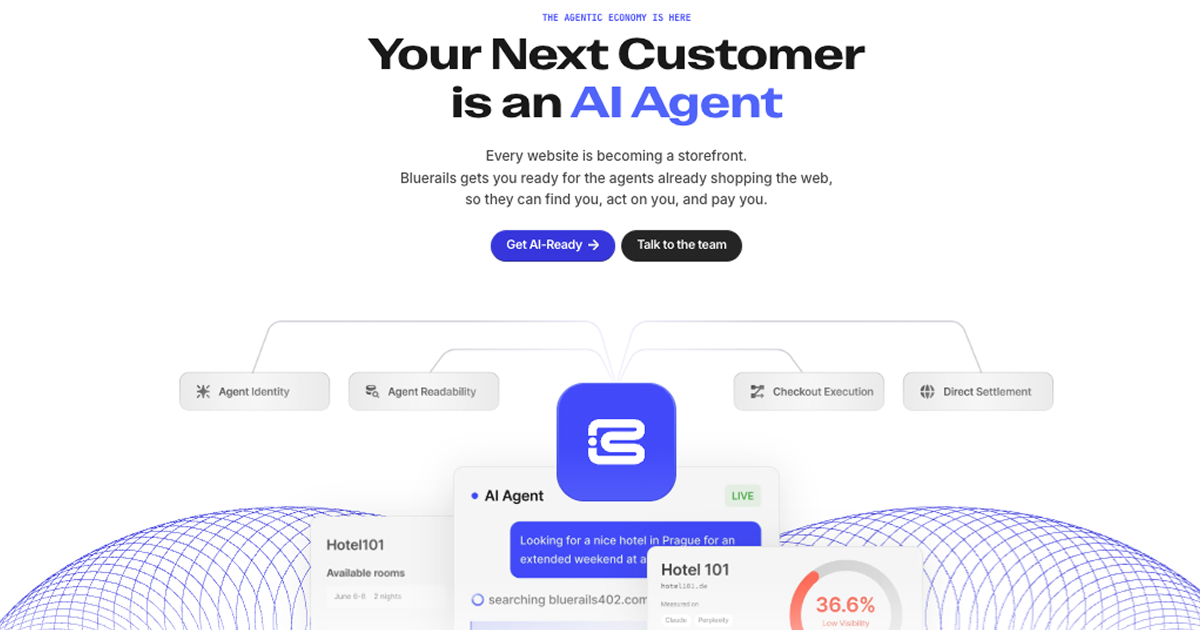
Bluerails: AI Agent Payment Infrastructure & Commerce
Bluerails provides payment infrastructure for the agentic economy, enabling AI agents to discover, act on, and pay businesses directly via agent-ready checkout and global settlement.
Site Discovery
Explore more on ToolSeekAI
Keep moving through tools, use cases, models, news, and rankings to turn one visit into a complete AI discovery path.