
Retrace
Retrace provides replayable debugging for AI agents, enabling developers to visualize, analyze, and fix complex agent workflows through deterministic session replays.
Overview
Retrace
What is Retrace?
Retrace is a specialized observability and debugging platform designed specifically for the emerging domain of AI agents. Unlike traditional software debugging tools that focus on linear code execution, Retrace addresses the non-deterministic, multi-step nature of agentic workflows. It offers "replayable debugging," allowing developers to capture the full context of an AI agent's decision-making process and replay it to identify failures, optimize performance, and ensure reliability.
In the landscape of AI development, agents often interact with multiple tools, APIs, and large language models (LLMs) in complex sequences. When these agents fail, it is frequently difficult to pinpoint whether the error stemmed from the LLM's reasoning, a tool execution failure, or a logic flaw in the orchestration layer. Retrace solves this by providing a structured view of these interactions, turning opaque black-box processes into transparent, debuggable sessions.
For more information on how Retrace fits into the broader ecosystem of developer tools, you can explore our ToolSeekAI tools directory, which categorizes solutions by their specific utility in the AI stack.
Key Features
Based on the core value proposition of "replayable debugging for AI agents," Retrace likely includes the following capabilities:
- Session Replay: The ability to record the complete state and interaction history of an AI agent during a run. This allows developers to step through the agent's thought process and actions exactly as they occurred.
- Deterministic Reproduction: By capturing the exact inputs, model versions, and tool outputs, Retrace enables the reproduction of bugs that might otherwise be intermittent due to the stochastic nature of LLMs.
- Agent Workflow Visualization: A visual representation of the agent's path, showing how it navigated between different steps, tools, and decisions. This helps in understanding the complexity of the agent's behavior.
- Failure Analysis: Detailed logs and context around where and why an agent failed, including the specific prompt, the model's response, and the result of any tool calls.
- Integration with Agent Frameworks: While specific framework support is not detailed in the source, tools of this nature typically integrate with popular agent orchestration libraries (e.g., LangChain, LlamaIndex, AutoGen) to inject instrumentation hooks.
Use Cases
Retrace is particularly valuable for teams building sophisticated AI applications where reliability is critical.
1. Debugging Complex Agent Loops
Agents often operate in loops, such as "Plan-Execute-Reflect" patterns. When an agent gets stuck in an infinite loop or makes a suboptimal decision, Retrace allows developers to replay the session to see exactly which step caused the deviation. This is crucial for refining the agent's instructions and tool definitions.
2. Improving Model Performance
By analyzing replays of successful and failed runs, developers can identify patterns in model behavior. For example, if an agent consistently fails when using a specific tool under certain conditions, Retrace provides the context needed to adjust the prompt engineering or the tool's API interface.
3. Onboarding and Training New Developers
Understanding how an AI agent works can be challenging for new team members. Replayable sessions serve as excellent educational resources, allowing new developers to walk through real-world examples of agent behavior, both good and bad.
4. Production Monitoring and Incident Response
In production environments, when an agent behaves unexpectedly, Retrace can help quickly diagnose the issue without needing to reproduce it manually. This reduces mean time to resolution (MTTR) for AI-related incidents.
For teams looking to compare debugging solutions, you may find useful insights in our rankings of AI observability platforms.
Pricing Overview
Pricing details are not confirmed in the source.
As the provided source material only states "Replayable debugging for AI agents," there is no information regarding subscription tiers, free trials, enterprise licensing, or usage-based costs. Potential users should visit the official Retrace website or contact their sales team directly to obtain accurate pricing information. When evaluating AI tools, it is recommended to verify pricing structures early in the selection process to ensure alignment with budget constraints.
Who Should Use It?
Retrace is designed for:
- AI Engineers and ML Ops Teams: Professionals responsible for building, deploying, and maintaining AI agents who need robust debugging tools to ensure reliability.
- Software Developers Building Agentic Applications: Developers integrating LLMs into their applications who struggle with the non-deterministic nature of AI outputs and need ways to trace and fix errors.
- Product Managers in AI Startups: PMs who need to understand the behavior of AI features to make informed decisions about product direction and user experience.
- QA Engineers Testing AI Systems: Quality assurance professionals who require tools to systematically test and validate the performance of AI agents across various scenarios.
Evaluation Context and Considerations
Onboarding Flow
While specific onboarding steps are not confirmed in the source, typical AI debugging tools require installing a package or SDK into the agent's codebase. Users should expect to add instrumentation code to their agent runs to enable recording. The ease of integration is a critical factor for adoption.
Suitable Teams
Teams building simple chatbots may not need the full power of replayable debugging. However, teams developing autonomous agents that perform multi-step tasks, use external tools, or operate in high-stakes environments will benefit significantly from Retrace's capabilities.
Integration Considerations
Developers should consider how Retrace integrates with their existing tech stack. Key questions include:
- Does it support the specific agent framework being used?
- How does it handle data privacy and security, especially when sensitive user data might be included in agent interactions?
- What is the latency impact of recording and replaying sessions?
Data and Privacy Questions
Since AI agents may process sensitive information, it is essential to understand how Retrace stores and handles recorded sessions. Users should verify if data is encrypted at rest and in transit, and whether there are options for data retention policies or anonymization.
Pricing Verification Checklist
Before committing to Retrace, users should:
- Check for a free tier or trial period.
- Understand the cost structure (e.g., per session, per agent, per user).
- Inquire about volume discounts for enterprise usage.
- Verify if there are additional costs for advanced features like long-term storage or custom integrations.
Comparison Criteria
When comparing Retrace to other debugging tools, consider:
- Ease of Use: How intuitive is the replay interface?
- Depth of Insight: Does it provide granular details on model prompts and responses?
- Performance: Does it slow down agent execution significantly?
- Community and Support: Is there an active community or responsive support team?
For a broader perspective on available tools, you can browse specific categories in our tools directory to find alternatives that may better fit your specific needs.
FAQ
Q: What is Retrace primarily used for? A: Retrace is used for replayable debugging of AI agents, helping developers visualize and analyze agent workflows to fix errors and improve performance.
Q: Does Retrace work with all AI frameworks? A: The source does not specify supported frameworks. Users should check the official documentation for compatibility with their specific agent orchestration library.
Q: Is Retrace suitable for production monitoring? A: Yes, its replay capabilities allow for effective incident response and analysis in production environments, though specific monitoring features are not detailed in the source.
Q: How does Retrace handle data privacy? A: The source does not provide details on data privacy measures. It is recommended to consult Retrace's security documentation for information on encryption and data handling.
Q: Is there a free version of Retrace? A: Pricing information is not confirmed in the source. Please refer to the official website for current pricing plans and trial availability.
Q: Can I replay failed agent sessions? A: Yes, the core feature of "replayable debugging" implies the ability to review past sessions, including those that resulted in errors, to understand what went wrong.
Pros
- Specialized for AI agents, addressing unique debugging challenges.
- Enables deterministic reproduction of non-deterministic AI behaviors.
- Provides deep visibility into agent decision-making processes.
- Helps reduce debugging time for complex multi-step workflows.
- Facilitates better understanding of agent failures for continuous improvement.
Cons
- Pricing details are not confirmed in the source, making cost estimation difficult.
- Specific framework integrations are not listed, requiring verification for compatibility.
- Data privacy and security features are not detailed in the source.
- Potential performance overhead from recording sessions is not quantified.
- Limited information on ease of onboarding and setup complexity.
Related tools and alternatives
View all alternativesCoding
Cursor
Cursor is an AI-native code editor that embeds deep repository awareness into the development workflow, enabling multi-file refactoring, code generation, and debugging without context switching.
Coding
Replit
Replit is a browser-based IDE with built-in AI coding assistants, real-time collaboration, and one-click deployment. Ideal for rapid prototyping, education, and AI agent development without local setup.
Coding
GitHub Copilot
GitHub Copilot is an AI-powered pair programmer that suggests code, debugs, and automates tasks across multiple languages and IDEs, integrating deeply with GitHub workflows for individuals, teams, and enterprises.
Coding
Google Antigravity 2.0
Google Antigravity 2.0 is a playful April Fools' joke from Google Developers. It is not a real software tool, API, or developer resource, but rather a humorous web experience.
Coding
Gemma 4
Gemma 4 is Google's latest open-weight large language model series, designed for advanced reasoning, coding, and multimodal tasks with optimized efficiency for enterprise and developer deployment.
Coding
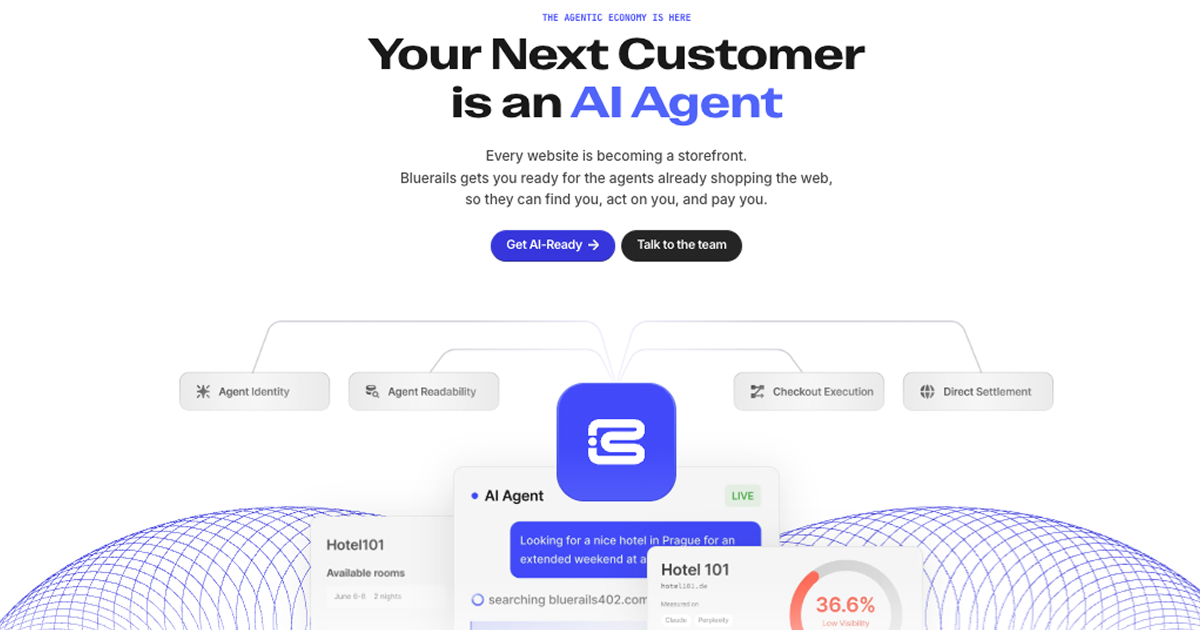
Bluerails: AI Agent Payment Infrastructure & Commerce
Bluerails provides payment infrastructure for the agentic economy, enabling AI agents to discover, act on, and pay businesses directly via agent-ready checkout and global settlement.
Site Discovery
Explore more on ToolSeekAI
Keep moving through tools, use cases, models, news, and rankings to turn one visit into a complete AI discovery path.