
GitHub - hacksider/Deep-Live-Cam: real time face swap and one-click video deepfake with only a single image
Deep-Live-Cam is an open-source, real-time face swap tool by Hacksider. It enables one-click deepfakes for webcams and videos using a single reference image, leveraging AI for accessible content creation.
Overview
What is Deep-Live-Cam
Deep-Live-Cam is an open-source software application designed for real-time face swapping and video deepfake generation. Developed by the user "hacksider" and hosted on GitHub, this tool allows users to replace faces in live webcam streams or pre-recorded videos using only a single reference image. The project leverages advanced artificial intelligence techniques, specifically Generative Adversarial Networks (GANs), to achieve realistic facial replacements with minimal latency.
The primary goal of Deep-Live-Cam is accessibility. Unlike many complex deepfake solutions that require extensive technical expertise, large datasets, or expensive cloud computing resources, this tool simplifies the workflow into a "one-click" experience. It is built to run locally on the user's hardware, ensuring privacy and eliminating subscription fees. The tool supports cross-platform operation, being compatible with Windows, macOS, and Linux, although performance optimization may vary depending on the operating system and specific hardware configuration.
For those interested in exploring similar open-source AI projects, you can browse more options on ToolSeekAI tools. Additionally, understanding how these tools compare to commercial alternatives can be found in our rankings section.
Key features
Deep-Live-Cam distinguishes itself through several core capabilities that cater to both casual users and tech enthusiasts:
- Real-Time Face Swap: The application processes video feeds with minimal delay, making it suitable for live streaming scenarios, video conferencing, or interactive applications where immediate visual feedback is required.
- Single Image Input: Users do not need to train a model on hundreds of images. A single photo of the target face is sufficient to generate the deepfake, significantly reducing the setup time and complexity.
- One-Click Video Deepfake: For pre-recorded content, the tool offers a streamlined workflow where users can apply face swaps to entire video files with a single action, automating the processing pipeline.
- Webcam Integration: The software integrates directly with standard webcam inputs. This allows users to mask their identity or alter their appearance in real-time during video calls or broadcasts.
- Open-Source Architecture: Being hosted on GitHub, the source code is publicly available. This transparency allows developers to audit the code, contribute improvements, and customize the tool for specific needs.
- Cross-Platform Compatibility: The tool is designed to run on major desktop operating systems, including Windows, macOS, and Linux, broadening its potential user base.
Use cases
While the technology has various applications, Deep-Live-Cam is primarily utilized in the following areas:
- Content Creation: YouTubers, Twitch streamers, and social media influencers often use face-swapping technology to create entertaining content, such as impersonations, meme videos, or unique visual effects that engage audiences.
- Privacy Protection: Individuals concerned about digital privacy can use the tool to obscure their real identity during online interactions. By replacing their face with a synthetic or celebrity image, they can maintain anonymity while still participating in video communications.
- Education and Research: Academic researchers and students studying computer vision, AI ethics, or generative models can use Deep-Live-Cam as a practical example of real-time face swapping. It serves as a testing ground for understanding the implications of deepfake technology.
- Art and Entertainment: Digital artists and filmmakers may incorporate real-time face swapping into creative projects, experimental films, or interactive installations to explore new forms of visual storytelling.
- Software Testing: Developers working on video processing algorithms can use the tool to test face detection and swapping performance in real-time environments, helping to refine their own applications.
Pricing overview
Deep-Live-Cam is completely free and open-source. There are no subscription fees, paywalls, or hidden costs associated with downloading or using the software. Users can clone the repository from GitHub and run the application locally on their own machines.
However, it is important to note that running deep learning models, particularly those involving GANs for real-time processing, is computationally intensive. The source material indicates that a compatible GPU is highly recommended for optimal performance, with NVIDIA GPUs being specifically suggested. While the software itself incurs no financial cost, users may need to invest in hardware upgrades if their current system lacks the necessary graphical processing power. No cloud services or paid tiers are offered by the developer.
Who should use it
Deep-Live-Cam is best suited for:
- Tech Enthusiasts: Individuals interested in experimenting with AI and deepfake technology who prefer open-source solutions over proprietary software.
- Content Creators: Streamers and video editors looking for a cost-effective way to add visual effects to their content without recurring software costs.
- Developers: Programmers who want to study or integrate real-time face swapping capabilities into their own applications.
- Privacy-Conscious Users: Those seeking local, offline solutions to protect their identity during video calls.
For more information on how to set up and configure the tool, users should refer to the official documentation on the GitHub repository. If you are looking for other AI tools for video editing, you might also explore related categories on ToolSeekAI tools.
Onboarding and Setup Considerations
Since the tool is open-source and runs locally, the onboarding process involves cloning the repository and installing dependencies. Users should verify their system requirements, particularly regarding GPU compatibility, before installation. The lack of a graphical installer means some comfort with command-line interfaces is beneficial.
Data Privacy and Security
A significant advantage of Deep-Live-Cam is its local execution. All processing happens on the user's machine, meaning video feeds and images are not uploaded to external servers. This is a critical feature for users prioritizing data privacy. However, users should remain cautious about the source images they use, as the tool processes them locally but does not inherently guarantee the ethical use of the resulting deepfakes.
Comparison Criteria
When evaluating Deep-Live-Cam against other face-swap solutions, key criteria include ease of setup (single image vs. training datasets), latency (real-time capability), cost (free/open-source vs. subscription), and hardware requirements (GPU dependency). Deep-Live-Cam scores high on cost and ease of input but requires robust local hardware.
FAQ
Is Deep-Live-Cam free to use? Yes, it is completely free and open-source. There are no subscription fees or hidden costs.
Do I need a powerful computer to run it? Yes, a compatible GPU is recommended for optimal performance, especially for real-time webcam usage. NVIDIA GPUs are specifically suggested.
Can I use it for live streaming? Yes, the tool supports real-time face swapping on webcam feeds, making it suitable for live streaming platforms.
How many images do I need to create a deepfake? Only a single image of the target face is required. The tool does not need extensive training datasets.
Is the tool available on Mac and Linux? Yes, Deep-Live-Cam is cross-platform and supports Windows, macOS, and Linux.
Does it upload my data to the cloud? No, the tool runs locally on your machine. Your video feeds and images are processed offline, enhancing privacy.
Related tools and alternatives
View all alternativesCoding
Cursor
Cursor is an AI-native code editor that embeds deep repository awareness into the development workflow, enabling multi-file refactoring, code generation, and debugging without context switching.
Coding
Replit
Replit is a browser-based IDE with built-in AI coding assistants, real-time collaboration, and one-click deployment. Ideal for rapid prototyping, education, and AI agent development without local setup.
Coding
GitHub Copilot
GitHub Copilot is an AI-powered pair programmer that suggests code, debugs, and automates tasks across multiple languages and IDEs, integrating deeply with GitHub workflows for individuals, teams, and enterprises.
Coding
Google Antigravity 2.0
Google Antigravity 2.0 is a playful April Fools' joke from Google Developers. It is not a real software tool, API, or developer resource, but rather a humorous web experience.
Coding
Gemma 4
Gemma 4 is Google's latest open-weight large language model series, designed for advanced reasoning, coding, and multimodal tasks with optimized efficiency for enterprise and developer deployment.
Coding
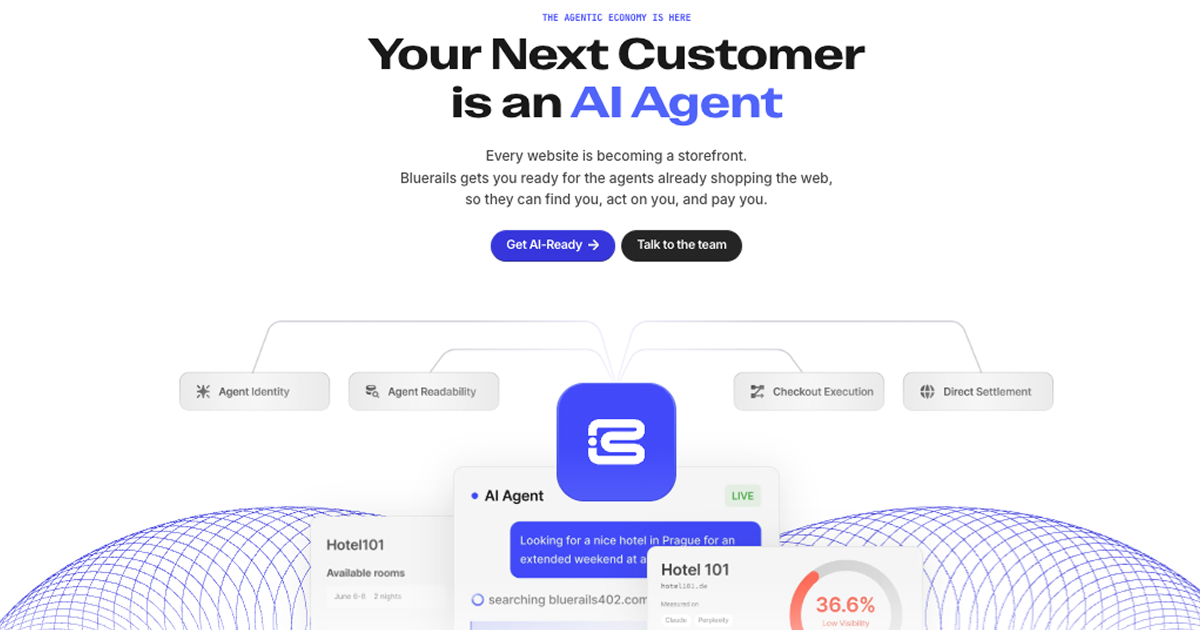
Bluerails: AI Agent Payment Infrastructure & Commerce
Bluerails provides payment infrastructure for the agentic economy, enabling AI agents to discover, act on, and pay businesses directly via agent-ready checkout and global settlement.
Site Discovery
Explore more on ToolSeekAI
Keep moving through tools, use cases, models, news, and rankings to turn one visit into a complete AI discovery path.