
Decision Comparison
BrowserAct | Give AI agent the power to use the web vs GitHub Copilot
Compare BrowserAct, an AI agent infrastructure for secure web browsing and data extraction, with GitHub Copilot, an AI pair programmer for code generation and IDE integration. Understand their distinct use cases in agentic workflows versus software development.
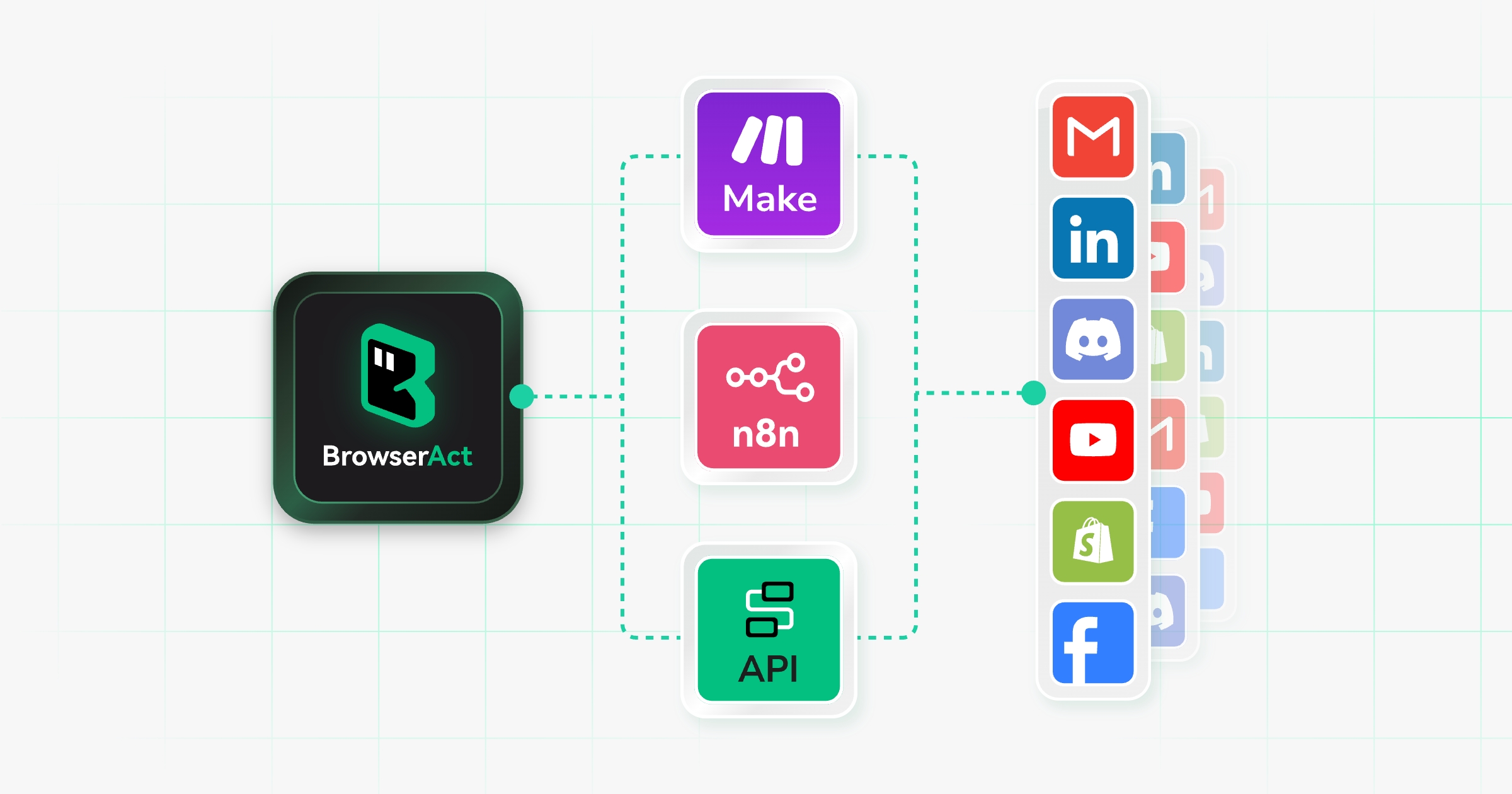
BrowserAct | Give AI agent the power to use the web
BrowserAct provides AI agents with a managed browser layer to extract live web data, handle CAPTCHAs, and execute end-to-end web tasks securely.
- Pricing
- Not listed
- Free tier
- Not listed
Pros
- Handles CAPTCHAs and anti-bot measures automatically.
- Offers a 7-day free trial with 100 credits.
- Supports multiple proxy types including residential and static.
- Integrates easily via skills for AI agents.
- Provides full session and cookie isolation.
Cons
- Cloud Browser feature is not yet released.
- Pricing is credit-based, which may vary in complexity.
- Requires technical integration for agent workflows.
- Static proxy pricing varies by location and tier.
- No specific enterprise SLA details provided in source.
GitHub Copilot
GitHub Copilot is an AI-powered pair programmer that suggests code, debugs, and automates tasks across multiple languages and IDEs, integrating deeply with GitHub workflows for individuals, teams, and enterprises.
- Pricing
- PAID
- Free tier
- Not listed
Pros
- Deep integration with GitHub and major IDEs like VS Code and JetBrains.
- Supports a wide variety of programming languages and frameworks.
- Includes advanced features like Chat, PR summaries, and code review assistance.
- Offers enterprise-grade security with IP indemnification and audit logs.
- Provides a free tier for students, teachers, and open-source maintainers.
Cons
- No free trial available for paid plans; requires subscription commitment.
- Cloud-based suggestions may not suit teams with strict offline data privacy requirements.
- Potential for generating code that resembles public repositories, raising license concerns.
- Less effective for highly specialized or proprietary codebases with niche syntax.
- Pricing for Business and Enterprise plans can be expensive for small teams.
Side-by-side signals
Core comparison table
| Signal | BrowserAct | Give AI agent the power to use the web | GitHub Copilot |
|---|---|---|
| Summary | BrowserAct provides AI agents with a managed browser layer to extract live web data, handle CAPTCHAs, and execute end-to-end web tasks securely. | GitHub Copilot is an AI-powered pair programmer that suggests code, debugs, and automates tasks across multiple languages and IDEs, integrating deeply with GitHub workflows for individuals, teams, and enterprises. |
| Pricing | Not listed | PAID |
| Free tier | Not listed | Not listed |
| Pros count | 5 | 5 |
| Cons count | 5 | 5 |
Comparison analysis
## BrowserAct vs. GitHub Copilot: A Comparative Analysis
When evaluating AI tools for enterprise or developer workflows, it is crucial to distinguish between tools designed for **autonomous web interaction** and those optimized for **code generation**. BrowserAct and GitHub Copilot represent two distinct categories of AI utility. While both leverage large language models, their operational domains, target audiences, and value propositions differ significantly.
### Core Functionality
**BrowserAct** serves as an infrastructure layer for AI agents. Its primary function is to provide a managed, secure browser environment that allows autonomous agents to interact with live websites. It solves specific challenges in web automation, such as:
* **Anti-Bot Evasion:** Utilizing stealth modes and unique fingerprints to mimic human behavior.
* **CAPTCHA Handling:** Automatically resolving verification challenges without human intervention.
* **Data Extraction:** Navigating dynamic web pages to extract structured data (e.g., prices, reviews) for downstream analysis.
In contrast, **GitHub Copilot** is an AI-powered pair programmer embedded within Integrated Development Environments (IDEs). It focuses on accelerating the software development lifecycle by:
* **Code Completion:** Suggesting lines or blocks of code based on context.
* **Debugging & Refactoring:** Identifying errors and suggesting improvements.
* **Documentation:** Generating comments and documentation from code snippets.
### Target Audience and Use Cases
| Feature | BrowserAct | GitHub Copilot |
| :--- | :--- | :--- |
| **Primary User** | AI Developers, Data Scientists, Automation Engineers | Software Developers, DevOps Teams |
| **Key Use Case** | Building agentic workflows that require real-time web access (e.g., market research, lead gen). | Writing, reviewing, and maintaining code in IDEs like VS Code or JetBrains. |
| **Integration** | Integrates with AI agent frameworks (e.g., LangChain, AutoGen) via APIs or skills. | Integrates directly into IDEs and GitHub workflows. |
| **Output** | Structured data, completed web forms, navigated states. | Source code, unit tests, documentation. |
### Technical Considerations
**Security and Compliance:**
BrowserAct emphasizes session isolation and secure credential handling for web tasks, making it suitable for scenarios where data privacy and anti-detection are paramount. GitHub Copilot, while offering enterprise-grade security and IP indemnification, processes code suggestions via cloud-based models, which may raise concerns for organizations with strict offline data privacy requirements.
**Pricing Model:**
BrowserAct operates on a credit-based system, allowing users to pay for actual usage, which scales with the volume of web interactions. It offers a 7-day free trial with 100 credits. GitHub Copilot uses a subscription model (Free for students/teachers, Paid for individuals/enterprises) with no traditional free trial for paid tiers, requiring a commitment to monthly or annual billing.
### Verdict
Choose **BrowserAct** if you are building AI agents that need to autonomously browse the web, extract data, or handle complex interactions like CAPTCHAs. It is the right tool for agentic AI applications requiring live internet access.
Choose **GitHub Copilot** if you are a software developer looking to increase productivity in writing, debugging, and understanding code. It is the industry standard for AI-assisted programming within IDEs.
These tools are not direct competitors but complementary solutions for different stages of the digital workflow: one for **data acquisition and web interaction**, the other for **code creation and maintenance**.
Verdict
Which should you choose?
BrowserAct is specialized for AI-driven web automation and data extraction, while GitHub Copilot is focused on AI-assisted code generation. They serve different purposes: choose BrowserAct for building autonomous agents that interact with the live web, and GitHub Copilot for enhancing software development efficiency.
FAQ
Which is better for individuals: BrowserAct | Give AI agent the power to use the web or GitHub Copilot?
Compare official pricing, free-tier limits, and your workflow before choosing.
Where does this comparison data come from?
The data comes from ToolSeekAI tool profiles, including summaries, pros, cons, keywords, and public official-site information.
Site Discovery
Keep comparing and discovering
If you are still undecided, continue into alternatives, profiles, and rankings to narrow the shortlist.